Renown authentication flow
The Renown login flow leverages decentralized identity (DID) creation and the Ceramic network for credential storage and verification, ensuring secure and verifiable actions within decentralized organizations. Below is a detailed breakdown of the process, aimed at developers integrating the Renown, Connect, and Switchboard components.
Renown in the decentralized workplace
Renown provides a decentralized identity and reputation hub, where users connect their Ethereum address, creating a Decentralized Identifier (DID) tied to their wallet.
Why an integrated identity solution?
Renown is designed to address the challenge of trust within DAOs, where contributors often operate under pseudonyms. In traditional organizations, personal identity and reputation are key to establishing trust and accountability. Renown replicates this dynamic in the digital space, allowing contributors to earn experience and build reputation without revealing their real-world identities. Over time, contributors can share their pseudonymous profiles with other organizations as cryptographic resumes, helping to secure new opportunities while maintaining privacy.
Detailed login flow
1. User login via wallet connection
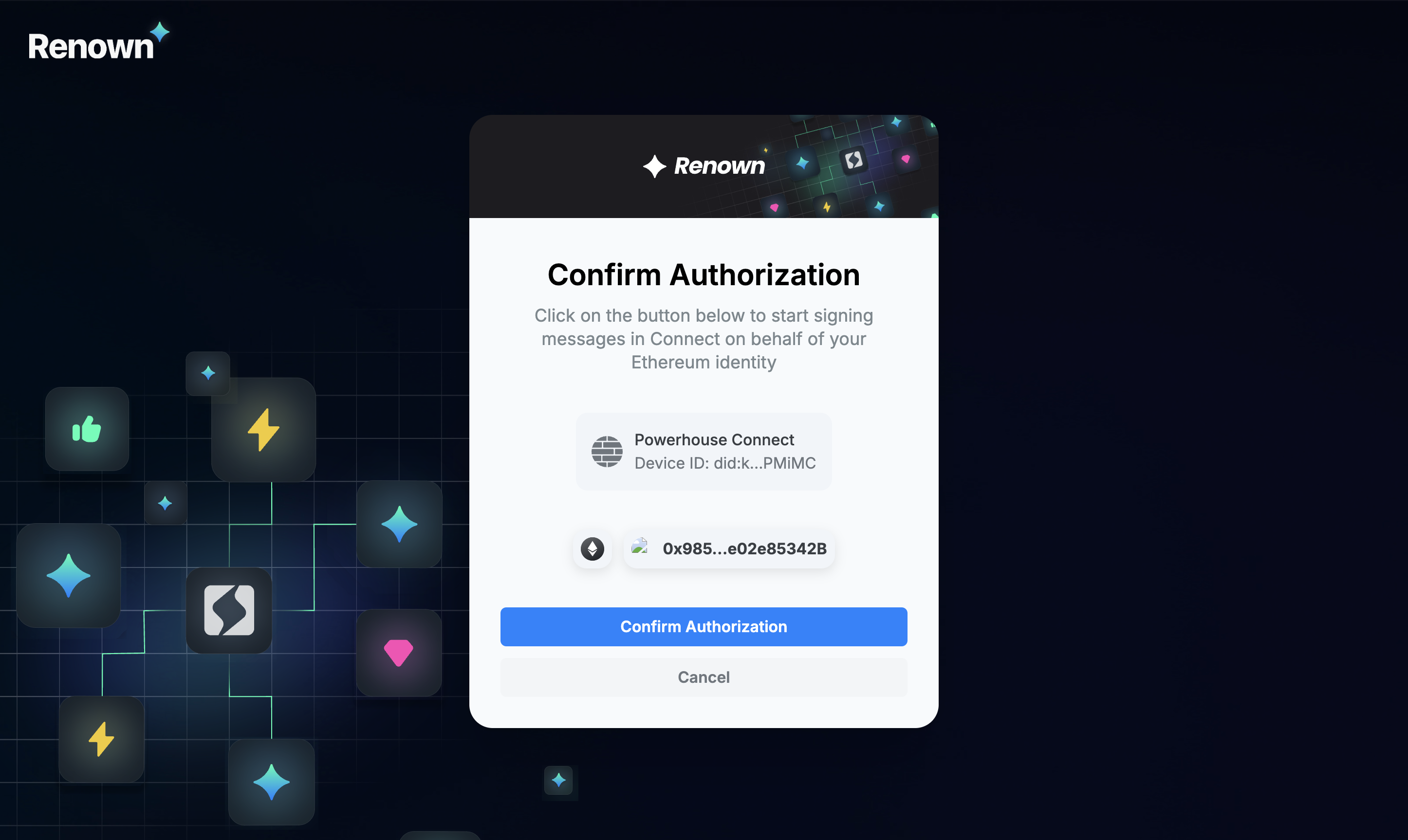
- The user starts by logging into Renown using their Ethereum address. This is done by signing a message with their wallet.
- The Ethereum key is used to create a DID (Decentralized Identifier), which uniquely represents the user without exposing their personal identity.
2. DID creation
- A Decentralized Identifier (DID) is created based on the user's Ethereum key. The DID follows a specific format:
did:example:123456789abcdefghijk - This DID acts as the user's digital identifier across decentralized systems.
3. Credential generation
- A credential is generated, allowing the DID to sign operations on behalf of the user. This credential is stored on a Powerhouse-hosted identity node.
- The identity node ensures that the credentials are securely stored and verifiable across the network. Credentials include the user's signing permissions and are linked to the DID.
- Powerhouse aims to decentralize this identity reactor over time while maintaining an efficient hub for using your decentralized identity and reputation to explore different organizations.
4. Operation signing with Connect
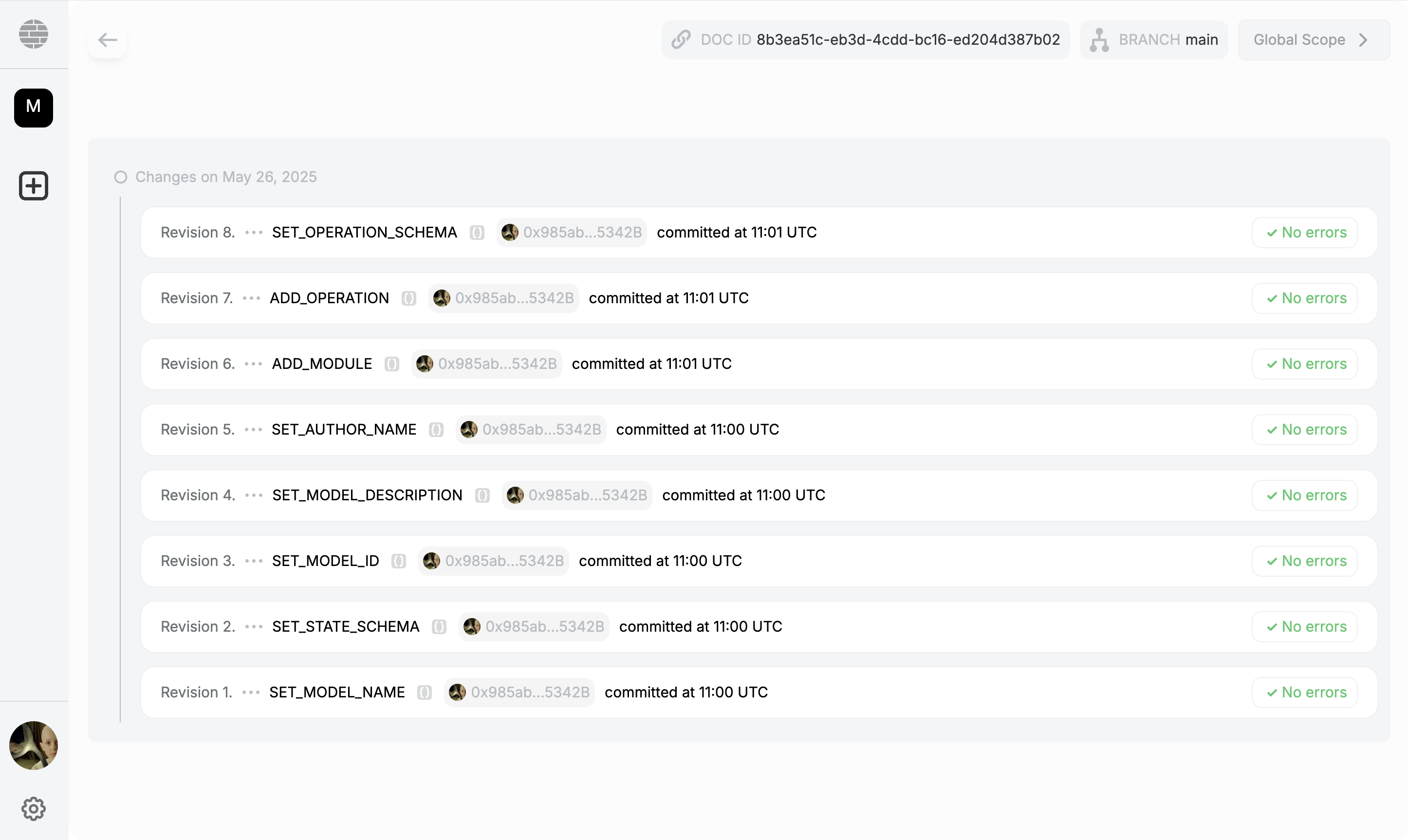
- Connect uses the newly created DID to sign operations performed by the user. For example, when a document or transaction is edited in Connect, the operation is signed with the user's DID.
- This ensures that every action taken within the Connect system is linked to the user's decentralized identity, maintaining transparency and accountability.
5. Switchboard verification
-
Once an operation is signed by the DID through Connect, it is sent to Switchboard for verification.
-
Switchboard verifies whether the DID has a valid credential stored on the Powerhouse identity node and if the DID was indeed the one that signed the operation.
-
The request includes critical metadata such as the user's Ethereum address, the DID, the signed operation, and other parameters required for validation.
{"signerAddress": "0x1234...","hash": "did:key:2be4x...","signatureBytes": "Xmqy8FNz...","isVerified": true}
6. Operation validation and execution
- After Switchboard validates the operation, it ensures the operation context is accurate and the credentials match the signer.
- The operation is then either approved or rejected based on the verification results.
- Approved operations are processed, and changes made within the Connect system are synchronized across the relevant nodes.
In-page sign-in in Connect (wallet adapters)
By default, Connect authenticates by redirecting the user to the Renown portal to connect a wallet and mint the credential, then returning to the app. Connect can also sign in in-page — the user picks a login method inside Connect, signs the credential there, and it is written and logged in via Switchboard without ever leaving the app.
In-page sign-in is opt-in and configured entirely through powerhouse.config.json:
connect.renown.switchboardUrl— the Switchboard GraphQL endpoint. When set, Connect attempts in-page sign-in; if it is absent (or no wallet session can be produced) Connect falls back to the redirect flow automatically, so nothing breaks when it is left unset.connect.renown.adapters— selects the wallet adapters that power in-page sign-in. Presence of a key enables that adapter:rainbow({ walletConnectProjectId }) — external wallets via RainbowKit + wagmi. TreatwalletConnectProjectIdas required in practice: without it only an installed browser wallet (or a Safe App iframe) can sign in, because every other RainbowKit wallet connects over the WalletConnect relay, which needs a project id. Those wallets are omitted rather than offered and failing.privy({ appId, clientId?, methods? }) — embedded wallets plus social / email login via Privy.methodsdefaults to["google", "email"].
"renown": {
  "url": "https://www.renown.id",
  "switchboardUrl": "https://switchboard.example/graphql",
  "adapters": {
    "rainbow": { "walletConnectProjectId": "..." },
    "privy": { "appId": "...", "methods": ["google", "email"] }
  }
}
Sign-in happens on one chain, Ethereum mainnet by default. The chain is part of the user's DID (did:pkh:eip155:<chainId>:<address>), so the same wallet on another chain would be a different user with different credentials; a wallet session from another chain is rejected rather than accepted as a second identity. Wallets are offered for the issuing chain only, so a user on another network is prompted to switch.
Each adapter's wallet library is fetched only on the first login click, so enabling in-page auth adds nothing to startup cost. Connect ships with every adapter's peer dependencies installed, so operators only edit the config. Social and email login run inside Privy's own modal (OAuth in a popup, so the page stays alive and sign-in completes in-page). Only public identifiers belong in the config — a Privy App Secret is server-only and must never be placed in powerhouse.config.json. Each social/email method must be enabled in the Privy dashboard, with Connect's origin allowlisted.
Adding in-page sign-in to your own app
Connect wires this through configuration, but any React app can add the same in-page sign-in using @powerhousedao/reactor-browser/renown. Mount a single RenownProvider high in your tree — it initializes the SDK, seeds the first render, lazy-mounts the wallet adapters on the first login click, and revalidates the stored credential in the background.
Import an adapter from @renown/sdk/wallet/<id> for each login route you want and pass the resulting descriptors in. You install only the peer dependencies of the adapters you import — an app that imports @renown/sdk/wallet/privy and not .../rainbow needs no RainbowKit and no bundler aliases. The @renown/sdk README lists the peers per adapter.
import {
  RenownProvider,
  useRenownAuth,
  useRenownLoginMethods,
} from "@powerhousedao/reactor-browser/renown";

import { privyAdapter } from "@renown/sdk/wallet/privy";
import { rainbowAdapter } from "@renown/sdk/wallet/rainbow";

// Module scope: RenownWalletProvider snapshots this array on mount.
const adapters = [
  rainbowAdapter({ walletConnectProjectId: "..." }),
  privyAdapter({ appId: "...", methods: ["google", "email"] }),
];

function Providers({ children }) {
  return (
    <RenownProvider
      appName="my-app"
      namespace="my-app"
      switchboardUrl="https://switchboard.example/graphql"
      adapters={adapters}
      theme="light"
    >
      {children}
    </RenownProvider>
  );
}

// useRenownLoginMethods reads the mounted provider's adapters, so a login UI
// works even when it is not rendered inside `Providers`.
function Login() {
  const { user, login, pending, logout } = useRenownAuth();
  const methods = useRenownLoginMethods();
  if (user) return <button onClick={() => void logout()}>Log out</button>;
  return methods.map((m) => (
    <button key={m.id} disabled={pending} onClick={() => login(undefined, m.id)}>
      {m.label}
    </button>
  ));
}
Gate any component on auth with a plain if (!user) from useRenownAuth(); for a no-Suspense "still resolving" state (useful in client-only apps), use useRenownAuthAsync(), which returns state: "authenticated" | "resolving" | "unauthenticated".
"resolving" appears only when the answer is genuinely unknown. A visitor the first render already knows is signed out — no session cookie, no persisted user — resolves straight to "unauthenticated", so logged-out visitors never sit behind a spinner while the SDK builds its keypair.
switchboardUrl enables in-page sign-in; omit it to fall back to the redirect flow. RenownProvider composes <Renown> (SDK init), RenownWalletProvider (adapters), and RenownInitialUserProvider (first-render seed), which you can also mount individually for a custom tree.
SSR and client-only
RenownProvider is SSR-safe — do not wrap it in next/dynamic with ssr: false. The wallet libraries load client-side on the first login click, so the provider renders on the server unchanged.
- Client-only apps (Vite, etc.): the provider seeds the first render synchronously from
localStorage, so a returning user is authenticated on the first paint with no flash. - SSR apps (Next.js): pass a server-resolved
session(from a verified session cookie) so authenticated content renders on the server too. Read the cookie in a Data Access Layer withverifyRenownSessionfrom@renown/sdk/node; passingsessionalso keeps the cookie in sync after login/logout. A complete Next.js reference lives in the monorepo attest/test-fusion, and the@powerhousedao/reactor-browserREADME ("Renown in-page sign-in") has the full API.
Under SSR the cookie seeds the server render and hydration (it is the only thing readable server-side), then localStorage takes over once mounted, since that is the credential the SDK actually restores. Include the documentId/username/userImage fields in the cookie's profile hint so both sources agree on name, avatar and profile links — type the route handler with RenownSessionCookie rather than redeclaring the payload shape.
Custom sign-in screens (headless Privy)
If you want your own email sign-in screens instead of Privy's modal, keep the same RenownProvider setup and drive the Privy adapter directly with useRenownWalletAdapter. It returns the mounted adapter's controller — for Privy that adds sendCode(email) / loginWithCode(code) plus its auth state — and rendering it is what loads Privy, so a visitor on a page that never renders it downloads no @privy-io code. Pass the session that loginWithCode resolves to straight into login(session); the embedded wallet signs the credential silently.
import { useRenownAuth, useRenownWalletAdapter } from "@powerhousedao/reactor-browser/renown";
// Type-only import: erased at runtime, so @privy-io stays out of your bundle.
import type { PrivyWalletController } from "@renown/sdk/wallet/privy";

function EmailLogin() {
  const privy = useRenownWalletAdapter<PrivyWalletController>("privy");
  const { login } = useRenownAuth();
  if (!privy) return <Spinner />;
  return (
    <>
      <EmailForm onSubmit={(email) => privy.sendCode(email)} />
      <CodeForm onSubmit={async (code) => login(await privy.loginWithCode(code))} />
    </>
  );
}
Configure the adapter with methods: ["email"] and the chain Renown issues on (privyAdapter({ appId, methods: ["email"], chain: mainnet })). The @powerhousedao/reactor-browser README has the full example, including the OTP status and error state.
Testing sign-in (mock adapter)
Real wallets and Google OAuth can't run in headless CI, so @renown/sdk ships a mock wallet adapter (@renown/sdk/wallet/mock) for e2e/dev. It is a headless signer backed by a local key (real EIP-712 signatures, no wallet extension or OAuth), so sign-in runs deterministically:
import { mockAdapter } from "@renown/sdk/wallet/mock";

const adapters = [mockAdapter({ methods: ["wallet", "google", "email"] })];

<RenownWalletProvider adapters={adapters}>
It is TEST/DEV only — it signs with a well-known key and must never be enabled in production. Runnable Playwright examples: test/test-fusion/e2e (full mock sign-in flow) and test/vetra-e2e (Connect login surface).
Key Components used during login-flow
- Renown: Manages user identities via DID creation and Ethereum wallet integration.
- Powerhouse Identity Node: Hosts user credentials and enables verification. Powerhouse is working towards decentralizing this identity reactor over time.
- Connect: The interface for users to perform operations. It uses the DID for signing operations.
- Switchboard: Responsible for verifying credentials and operation signatures to ensure authenticity.
This flow ensures that all actions within the Powerhouse ecosystem are secure, transparent, and verifiable, promoting trust in a pseudonymous contributor environment.